
Most businesses don't fail because of a bad product or poor service. They fail because the people running them spend most of their time doing things a well-configured system could handle automatically. If your team is using WhatsApp to track orders, manually updating spreadsheets at the end of each day, or chasing invoice payments by phone, you are not running a business efficiently; you are running an obstacle course. And every day you run it that way, you are leaving money, time, and growth on the table.
This is not a problem unique to small businesses. Organisations of every size deal with process inefficiency. The difference is that larger organisations have entire departments dedicated to fixing it. Smaller businesses often don't realise the fix is available to them too, and at a fraction of the cost people assume.
Workflow automation is that fix.
What Workflow Automation Actually Means
There is a lot of jargon around automation, and it puts people off. Strip it back to its simplest definition: workflow automation is the use of software to carry out a repetitive task automatically, triggered by a specific event, without a human needing to intervene every time it happens.
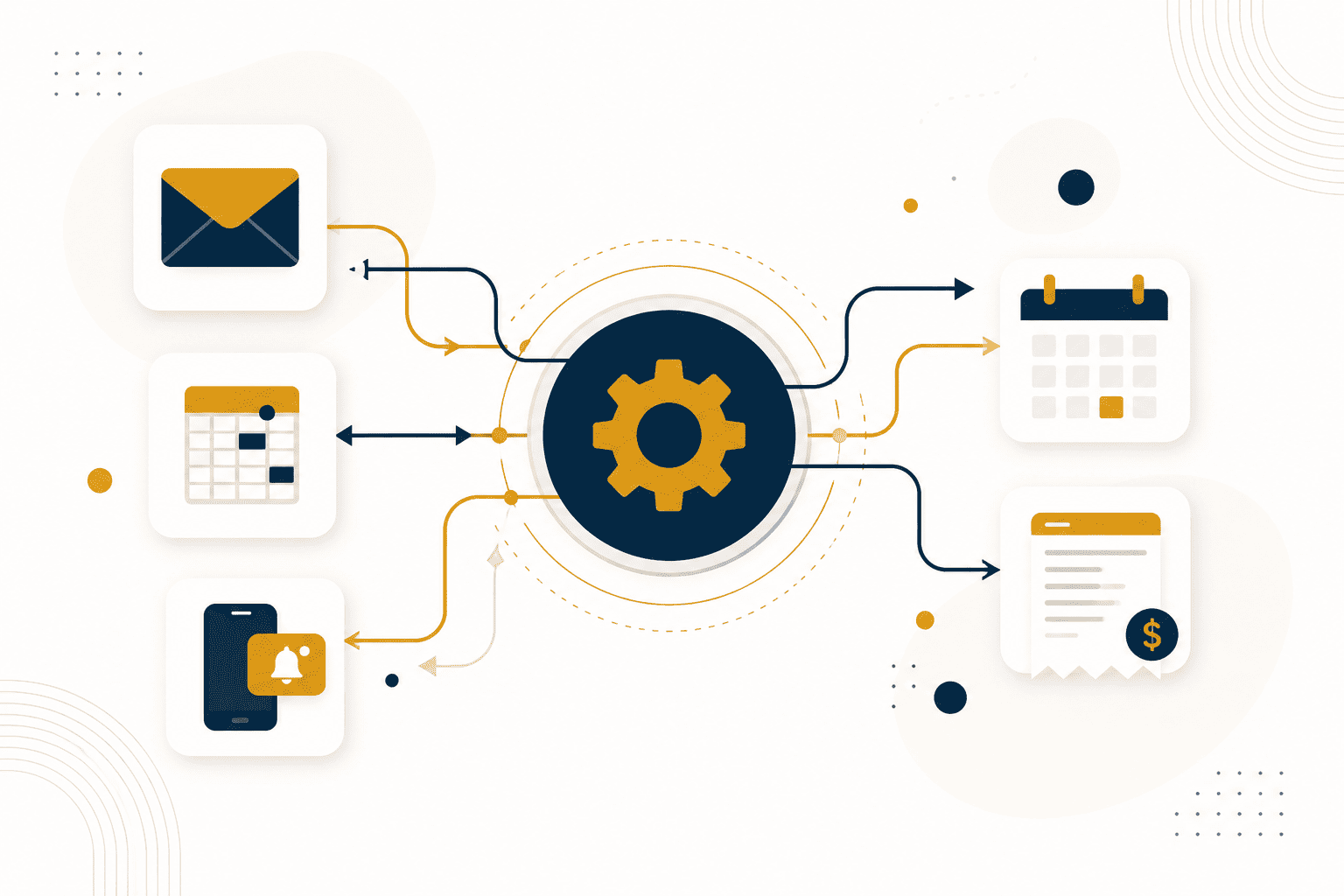
When a customer fills in your contact form, automation can immediately send them a confirmation email, add their details to your CRM, notify your sales team on WhatsApp, and create a follow-up reminder for three days later, all without anyone lifting a finger. That entire sequence, which might take a staff member 10 to 15 minutes to do manually for each enquiry, happens in seconds and never gets forgotten.
That is automation in practice. Not robots. Not AI replacing your staff. Just software doing the repetitive, structured work so your people can focus on work that actually requires human judgement.
The Real Cost of Manual Processes
Before you can appreciate the value of automation, it helps to be honest about what manual processes are actually costing you. Most business owners underestimate this because the costs are distributed and invisible; they don't show up as a single line on your profit and loss statement.
Consider the time cost first. If a member of your team spends 45 minutes every morning updating records from the previous day, that is nearly four hours a week, roughly 16 hours a month, and close to 200 hours a year, on a single task. At any reasonable salary level, that is a significant payroll expense going toward something a system could do in seconds.
Then consider the error cost. Manual data entry has a well-documented error rate. When your team is tired, distracted, or simply rushing, mistakes happen. An invoice sent to the wrong client, an order recorded with the wrong quantity, a follow-up that never happened because someone forgot — these are not character failings; they are the predictable output of asking humans to do machine work.
Finally, consider the scale ceiling. Manual processes have a hard limit. At a certain point, growing your business means hiring more people to handle more volume, because the process itself cannot absorb additional load. Automation removes that ceiling. A properly automated order management process handles ten orders and ten thousand orders with the same effort.
Where Businesses Typically Leak Efficiency
Every business is different, but the friction points tend to cluster in the same places. As you read through these, think honestly about which ones apply to your own operation.
Lead and enquiry management
Someone sends an enquiry. It arrives in an inbox, a WhatsApp message, or a contact form. If the right person does not see it quickly, or if there is no system to track it, the lead goes cold or gets lost entirely. Automated lead capture, routing, and follow-up sequences ensure that every enquiry gets an immediate response and a documented follow-up chain.
Invoicing and payment tracking
Chasing payments is one of the most common time drains reported by small business owners. Automated invoicing systems can generate and send invoices on a schedule, send payment reminders at set intervals, and update your records automatically when payment is received. Some businesses recover meaningful cash flow simply by tightening this one process.
Internal reporting and data updates
End-of-day reports, weekly summaries, inventory counts — if these are being compiled manually by a person, there is an automation opportunity. Tools that connect your sales system, your inventory records, and your reporting dashboard can produce accurate, real-time information without anyone having to compile it.
Onboarding new clients or customers
The first few interactions a new client or customer has with your business shape their long-term perception of it. A manual onboarding process is inconsistent — different people do it differently, and things get skipped when teams are busy. An automated onboarding sequence delivers the same professional, complete experience to every new client, every time.
Internal communication and task assignment
When a trigger event happens — a new order comes in, a complaint is received, a deadline is approaching — who gets notified, and how reliably? Automated notifications and task assignments ensure the right person is informed immediately, with no dependence on someone remembering to pass the message along.
The Tools That Make Automation Accessible
A decade ago, building automated workflows required custom software development and significant technical expertise. Today, a category of tools called no-code and low-code automation platforms has made it genuinely accessible to businesses without dedicated IT teams.
The three most widely used are n8n, Make.com, and Zapier. Each has a similar underlying concept: you connect two or more software applications, define a trigger — the event that starts the automation — and define the actions that follow. The platforms handle the technical connection between your tools without requiring you to write code.
Zapier is the most beginner-friendly and has the largest library of app integrations, over 6,000 at the time of writing. If the tools you use are popular ones such as Gmail, Google Sheets, Slack, Shopify, or HubSpot, Zapier can almost certainly connect them. The trade-off is cost: Zapier's pricing scales with usage and becomes expensive at higher volumes.
Make.com offers more power and visual flexibility than Zapier, with a canvas-based interface that shows your entire automation flow as a diagram. It handles more complex, multi-step scenarios well and is generally more cost-effective at scale. The learning curve is slightly steeper than Zapier, but not prohibitively so.
n8n is the most powerful of the three and is unique in that it can be self-hosted, meaning you install it on your own server and pay no per-task fees regardless of how much you run through it. This makes it the most cost-effective option for high-volume automation. It also allows custom code where needed. The trade-off is that it requires more technical confidence to set up.
For most small to medium businesses starting out, Make.com strikes the best balance between power, visual clarity, and cost. Zapier is a reasonable starting point if your tools are mainstream and your volume is low. n8n becomes the right choice when you need scale, customisation, or cost control.
How to Identify What to Automate First
The most common mistake businesses make when approaching automation is trying to automate everything at once. The better approach is to start with one high-impact process, build it properly, measure the result, and then expand.
To identify where to start, ask yourself three questions about each process in your business:
First: Is this task repetitive? Does the same sequence of steps happen regularly — daily, weekly, or every time a particular event occurs? Repetitive tasks are the primary candidates for automation.
Second: Is this task rules-based? Can you write down exactly what should happen in every scenario, without needing someone to use judgement? If the answer is yes, the task is automatable. If the answer requires nuance or contextual sensitivity, it is not.
Third: What is the cost of this task being done slowly or incorrectly? This helps you prioritise. Automate high-stakes, high-frequency tasks first. Low-stakes, occasional tasks can wait.
Apply these three questions to your current operation, and you will quickly identify two or three processes that are strong candidates. Start with one, get it working well, and build from there.
A Practical Starting Point: Automating Your Enquiry Response
If you want to experience the immediate value of automation without a large investment of time or money, start with your enquiry or contact form response process. This is achievable for most businesses within a few hours using free or low-cost tools.
The basic sequence looks like this: a potential client submits your contact form. The form submission triggers an automation. The automation immediately sends the client a warm, professional acknowledgement email confirming their message has been received and setting an expectation for when they will hear back. Simultaneously, the automation sends you a notification with the client's details. It also adds the client's information to a Google Sheet or CRM, and creates a follow-up task for the appropriate date.
Every part of this can be built using Make.com or Zapier, connecting your contact form, Gmail or another email provider, WhatsApp Business API or a messaging platform, and Google Sheets. The investment is time to set it up once. After that, it runs automatically for every future enquiry, indefinitely.
What Automation Cannot Do?
Automation is a powerful operational tool, but it is worth being clear about its limits so expectations are properly calibrated.
Automation handles the predictable and the structured. It does not handle ambiguity, relationship nuance, or genuine problem-solving. A customer who has an unusual complaint that falls outside your standard process still needs a human to resolve it thoughtfully. A negotiation, a difficult conversation, a creative decision — these remain firmly in human territory.
Automation also requires the underlying process to be well-defined before it can be built. If your current process is inconsistent — different people do it differently, or the rules change frequently — you need to standardise it first. Automating a broken process just makes the broken process run faster.
Think of automation as leverage, not replacement. The best-automated businesses are the ones where humans are spending their time on the work that genuinely requires them, and systems are handling everything else.
Building Toward a System-Driven Business
The long-term goal of operational automation is not to save a few hours here and there. It is to build a business that functions as a system, one where the quality of output is not entirely dependent on who is in the building on a given day, and where growth does not automatically require proportional increases in headcount and overhead.
Businesses built this way are more resilient, more consistent, and more attractive to clients, investors, and future partners. They are also significantly less stressful to run, because the founder or operator is not the single point of failure for every process.
Getting there is not a single project. It is an ongoing discipline of looking at how things are done, asking whether they could be done better or more reliably by a system, and incrementally building that system over time. The businesses that approach it this way, one process at a time, with patience and consistency, tend to outperform those that try to transform everything overnight.
Start with one process. Build it properly. Measure what changes. Then do the next one.
Every business is different. What works for one may not work for another. If you would like to discuss whether workflow automation could work for your specific situation, we are always available for a conversation.

Leave a Comment