
Your website is often the first impression a client has of your business. In the time it takes for a page to load, a potential client has already formed an opinion about your professionalism, your attention to detail, and your credibility.
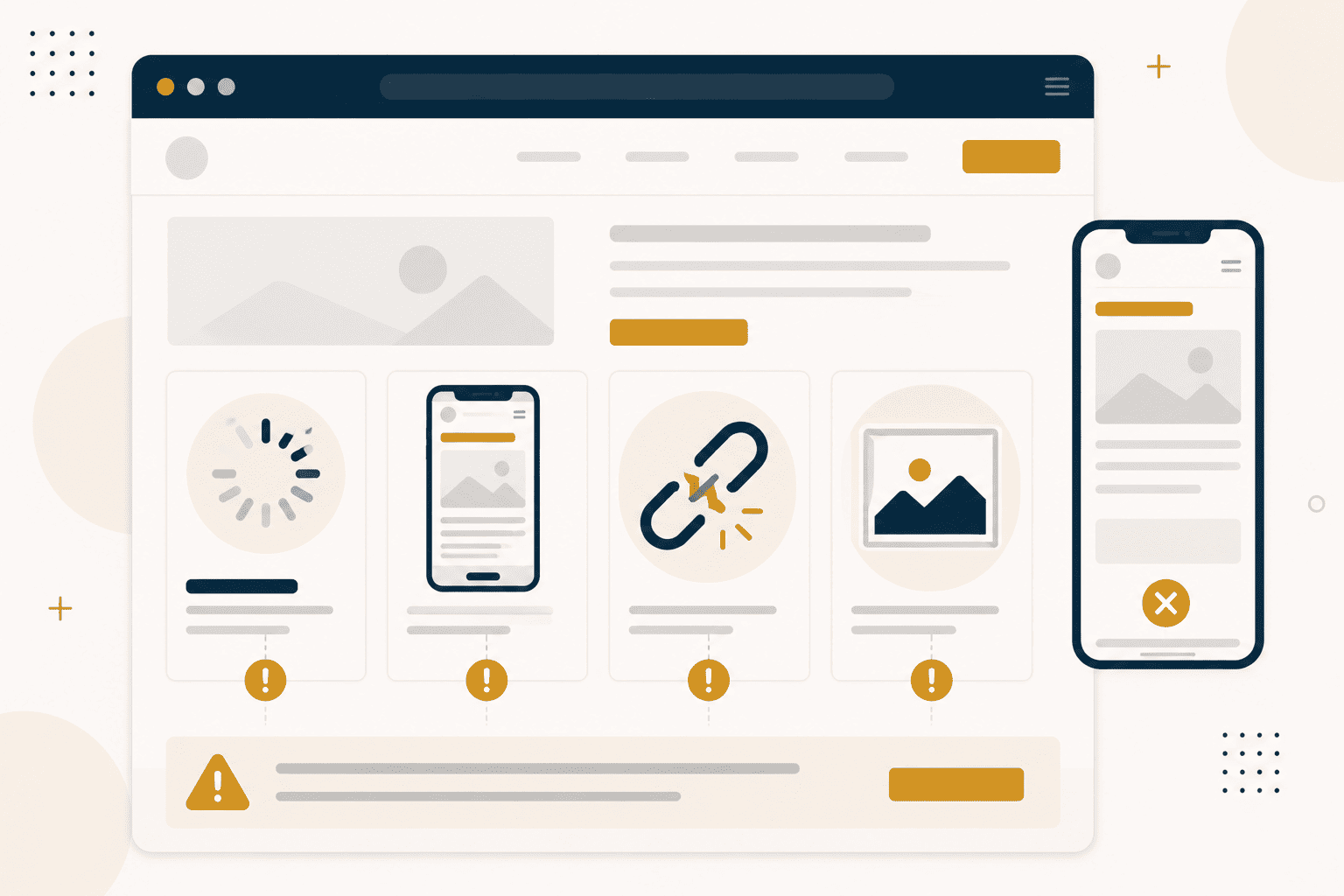
Yet many businesses make the same avoidable mistakes with their websites. These mistakes cost them clients and undermine their credibility.
This guide walks through the most common website mistakes and how to fix them.
Mistake 1: Slow Loading Speed
A slow website kills conversions. If your site takes more than three seconds to load, a significant portion of your visitors will leave before they see anything.
Speed is not just about user experience. Search engines also penalise slow websites. A slow site will not rank as well, which means fewer people will find you.
The causes of slow speed are often straightforward. Large images that have not been optimised. Bloated code. Inefficient hosting. Each of these is fixable.
Mistake 2: Not Mobile-Friendly
Most users will view your website on a mobile phone. If your site is not optimised for mobile, you are turning away the majority of your potential clients.
Mobile-friendliness is not optional. Google uses mobile-first indexing, which means it predominantly uses the mobile version of your site for ranking. A poor mobile experience damages your search visibility.
The fix is responsive design. Your site should work well on any screen size, from phone to desktop.
Mistake 3: No Clear Call to Action
When a visitor lands on your site, they need to know what to do next. If you do not tell them, they will leave without taking action.
A clear call to action guides the visitor toward the next step. It might be booking a call, requesting a quote, or making a purchase. The action should be obvious, the benefit should be clear, and the process should be simple.
Mistake 4: Generic Images
Generic stock photos undermine authenticity. When visitors see the same generic images they have seen on a dozen other sites, it signals that your business is generic too.
Authentic images of your work, your team, and your clients build trust. They signal that you are a real business with real people and real results.
Mistake 5: Broken Links
Broken links make your site look unprofessional. They suggest that you do not pay attention to detail. If you cannot maintain your website, why should a client trust you with their project?
Regularly checking and fixing broken links is essential maintenance. It is a small effort that makes a significant difference.
Mistake 6: Poor Navigation
If visitors cannot find what they are looking for, they will leave. Clear, intuitive navigation is essential for a good user experience.
Your navigation should be logical and consistent. The visitor should never have to guess where to find something.
Mistake 7: Weak Content
Thin, generic content does not build trust. It does not demonstrate expertise. It does not answer the visitor's questions.
Effective content is specific, practical, and useful. It addresses the visitor's needs. It demonstrates your understanding. It builds confidence in your capabilities.
Mistake 8: No Contact Information
If visitors cannot find your contact information, they cannot contact you. This sounds obvious, but it is a common oversight.
Your contact information should be easy to find on every page. It should include multiple ways to reach you.
Fixing the Mistakes
Each of these mistakes is fixable. The effort required varies, but the return is significant.
A site audit is the first step. Identify where your site falls short. Prioritise the fixes that will have the greatest impact. Implement them systematically.
The businesses that take their websites seriously are the businesses that attract serious clients.
Every business is different. What works for one may not work for another. If you would like to discuss whether a website audit could help your specific situation, we are always available for a conversation.

Leave a Comment