
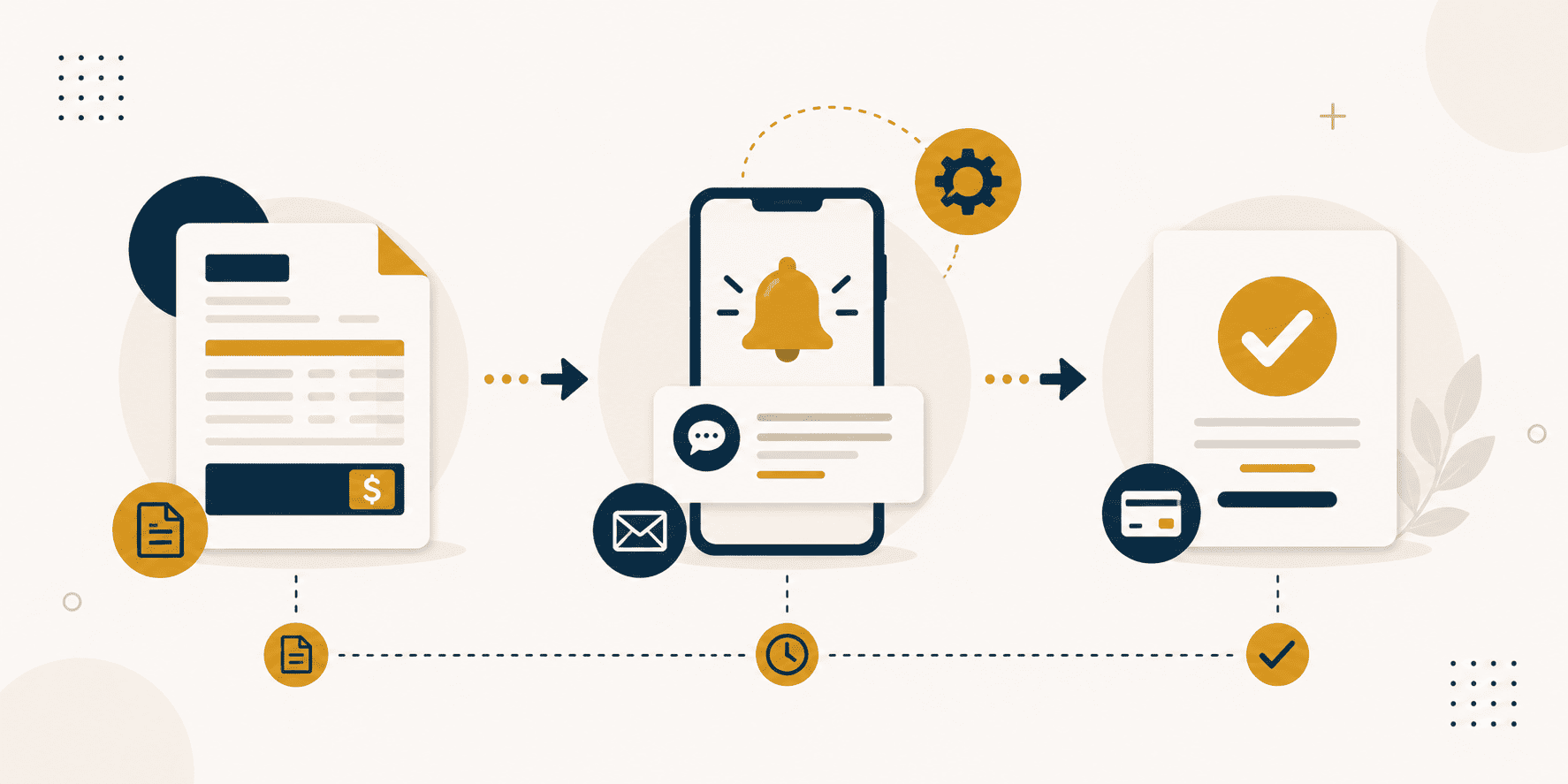
Invoicing and payment collection are among the most commonly disliked administrative tasks for business owners. They are necessary, but they are not enjoyable. They take time, require attention to detail, and often involve chasing people for money. The combination of being time-consuming and uncomfortable makes them a significant source of friction in running a business.
The cost of this friction is real. Delays in invoicing lead to delays in payment. Delays in payment create cash flow problems. Cash flow problems create stress and limit growth. And the time spent managing this process is time not spent on the work that actually grows the business.
This is not a problem that requires more effort. It is a problem that requires a different approach. Automation offers a reliable solution.
The Problem with Manual Invoicing
Manually creating invoices, chasing clients for payment, and reconciling bank transactions takes valuable time away from core business activities. Each of these tasks is individually small, but collectively they consume significant time.
Consider the invoicing process in a typical business. Someone creates the invoice, often by copying information from one system to another. They send the invoice, usually by email. They track whether the invoice has been viewed. When payment is due, they chase the client. When payment is received, they reconcile it against the invoice.
Each of these steps involves manual effort. Each step is a potential point of failure. An invoice can be sent to the wrong person. A payment can be misattributed. A follow-up can be forgotten.
The cumulative effect is significant. The time spent on invoicing and payment collection across a year is substantial. The stress of chasing payments is real. The cash flow impact of delayed payments is measurable.
How to Automate Invoicing
The solution is to move from manual processes to automated systems. Modern tools make this accessible to businesses of any size.
Automated Invoice Generation
The first step is automating the creation of invoices. When a project is completed, an invoice can be generated automatically. The system knows what was delivered, what was agreed, and what payment is due.
This eliminates the manual work of creating each invoice individually. It also reduces errors. The system generates the correct amount, with the correct details, every time.
The trigger for invoice generation can vary. It might be the completion of a milestone in a project management system. It might be the delivery of a service. It might be a recurring schedule for ongoing services. The automation adapts to your business model.
Automated Sending
Once the invoice is generated, it can be sent automatically. The system emails the invoice to the client, with a professional message and clear payment instructions.
Automated sending ensures that invoices are never forgotten. They go out on time, every time. This consistency improves your professionalism and reduces the likelihood of payment delays.
Automated Reminders
One of the most valuable applications of automation is payment reminders. A system can send reminders at defined intervals — one day before the due date, on the due date, three days after the due date, and so on.
This eliminates the uncomfortable task of chasing clients manually. The reminders are sent automatically. They are consistent and professional. They significantly improve payment timeliness.
Automated Reconciliation
When payment is received, the system can reconcile it automatically. It matches the payment to the invoice, updates your records, and provides visibility into your cash flow.
This eliminates the manual work of matching payments to invoices. It also provides real-time visibility into what has been paid and what is outstanding.
The Tools
The tools for automating invoicing are mature and accessible. Most accounting and invoicing platforms offer automation features. Many integrate with payment gateways, project management tools, and other business systems.
The key is choosing a tool that fits your business. Consider the volume of invoices you send, the complexity of your billing, and the systems you already use. The right tool will reduce your workload and improve your cash flow.
The Business Case
The business case for automating invoicing is straightforward. The time saved is measurable. The improvement in payment timeliness is measurable. The reduction in stress is significant.
Consider a business that sends twenty invoices a month and spends thirty minutes on each invoice from creation to reconciliation. That is ten hours a month, one hundred and twenty hours a year. Automating the process can reduce that time by eighty percent or more.
The improvement in payment timeliness is equally valuable. When invoices are sent on time and reminders are consistent, payment delays are reduced. This directly affects cash flow.
Getting Started
Automating invoicing does not require a major technology project. It can be implemented incrementally.
Start with automating invoice generation. Once that is working, add automated sending. Then add automated reminders. Then add automated reconciliation. Each step reduces the manual effort involved.
The investment required is modest. The return is significant and ongoing.
Every business is different. What works for one may not work for another. If you would like to discuss whether automated invoicing could work for your specific situation, we are always available for a conversation.

Leave a Comment